Woo Vacation

Travel website template for Elementor
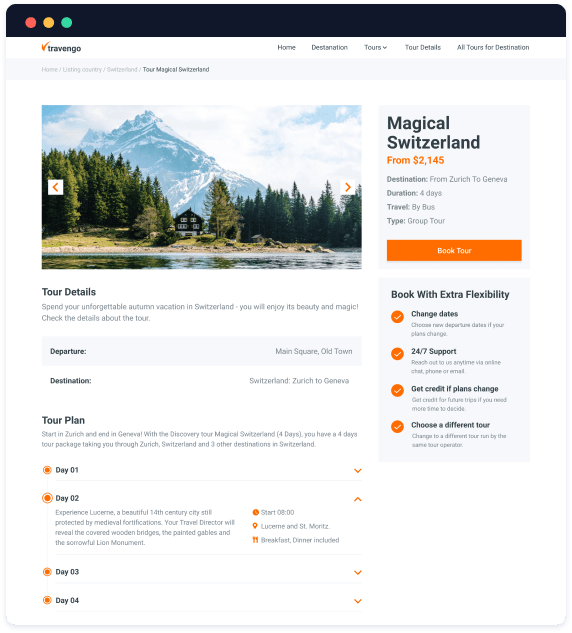
Tour

Single Pages

All tour single pages for your travel website are stored in one place.

Use JetThemeCore to template any given webpage.
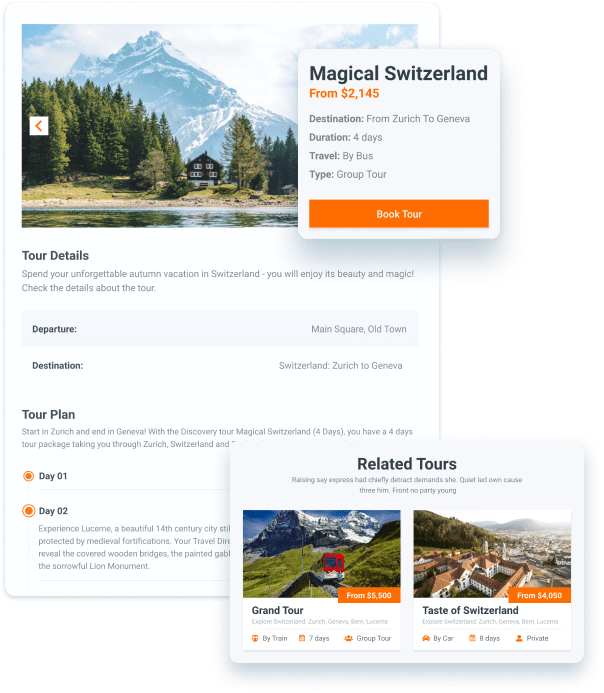
Single template for posts

Adjust the desired parameters and apply them to the whole website. The system will automatically pull out the attributes from the backend.

Custom fields

Custom fields for pages with available city tours and destinations are all ready for work.

Custom Post Types

Pre-made custom post types for tours and travel destinations are good to go. We added the “Related Tours”, set the post count option, and allowed reviews & comments.

Tour

Catalogs

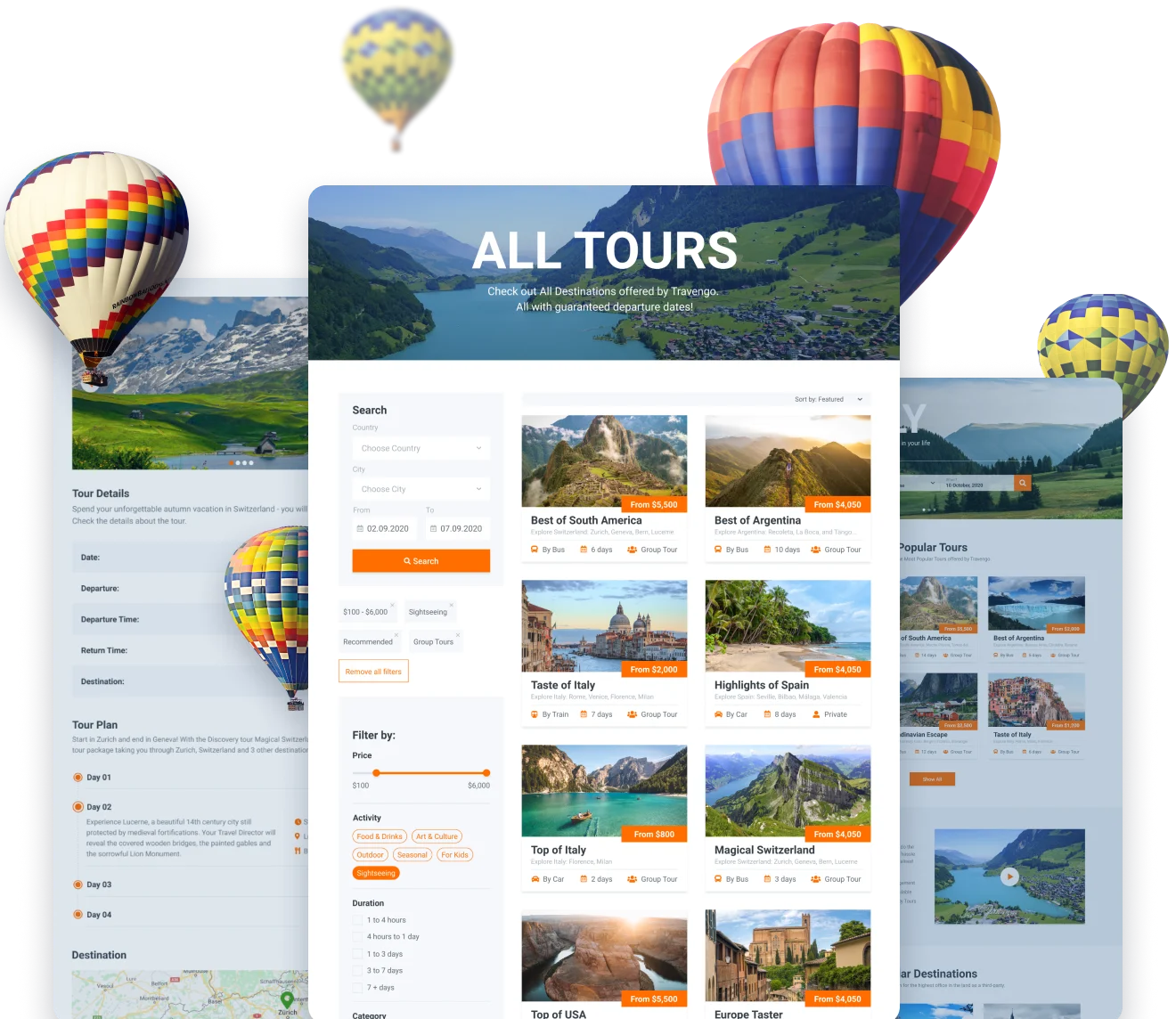
Present the most-wanted travel destinations through a clickable frontend architecture.

JetEngine covers layouts, booking forms, and dynamic content.

Archive templates

Inside, you’ll find pre-designed templates for destination catalogs, all fully customizable. Complete the website design by adding Header & Footer.

Taxonomy

All tour details and parameters are already tuned in the admin panel. You can either use them as filtering attributes or pull them to the frontend via Dynamic widgets.

Listing Grids & Layouts

Ready-made Listing Grids for “Popular Tours,” “Popular Destinations,” “Related Tours”, etc. Use these content groups or form new ones and show them in various layouts.

Advanced

Filters

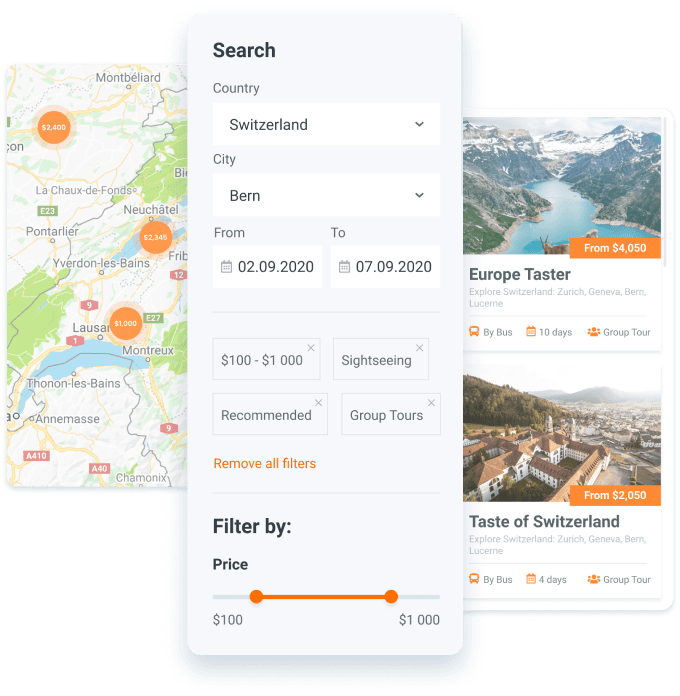
It takes too much filtering to find the greatest tour, but not anymore.

Build complex filtering tools thanks to JetSmartFilters.

Built-in AJAX filters:

Extra filtering features:
Booking

Functionality

Let globetrotters book the greatest tours through a built-in booking form.

JetEngine allows you to create expandable booking forms.
Custom field types

Make the form as informative as necessary by putting together the available field types.

Departure dates

The option to set a departure date will help you speed up and ease out the individual tour management.

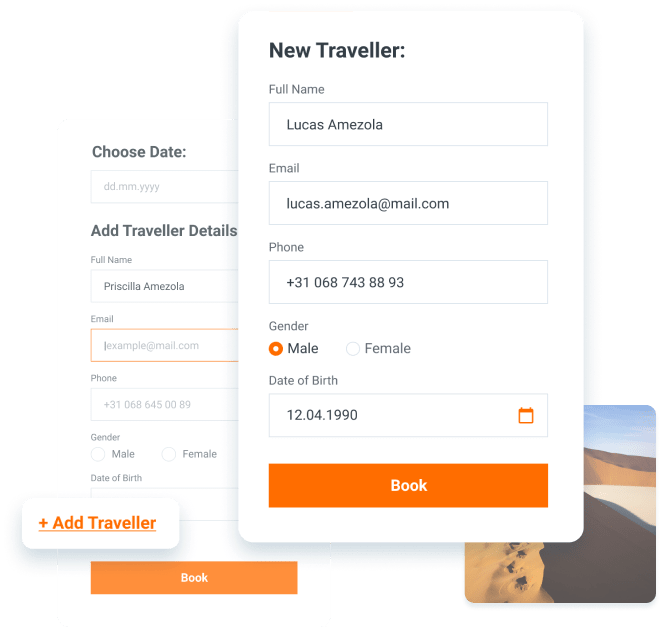
Additional traveler

We made it possible to attach as many people as wanted to a single booking form and provide their personal details.

JetPopup integration

For space-saving purposes, the booking form is fit into a popup that is triggered on a button click.

Scroll to Top